In an age of constant data leaks and invasive cloud storage synchronization, keeping credentials safe requires a return to basics: user-owned data and local-first encryption. ZeroVault is a privacy-first, zero-knowledge password manager designed to run entirely on your own devices.
Overview
ZeroVault is divided into three main decoupled layers:
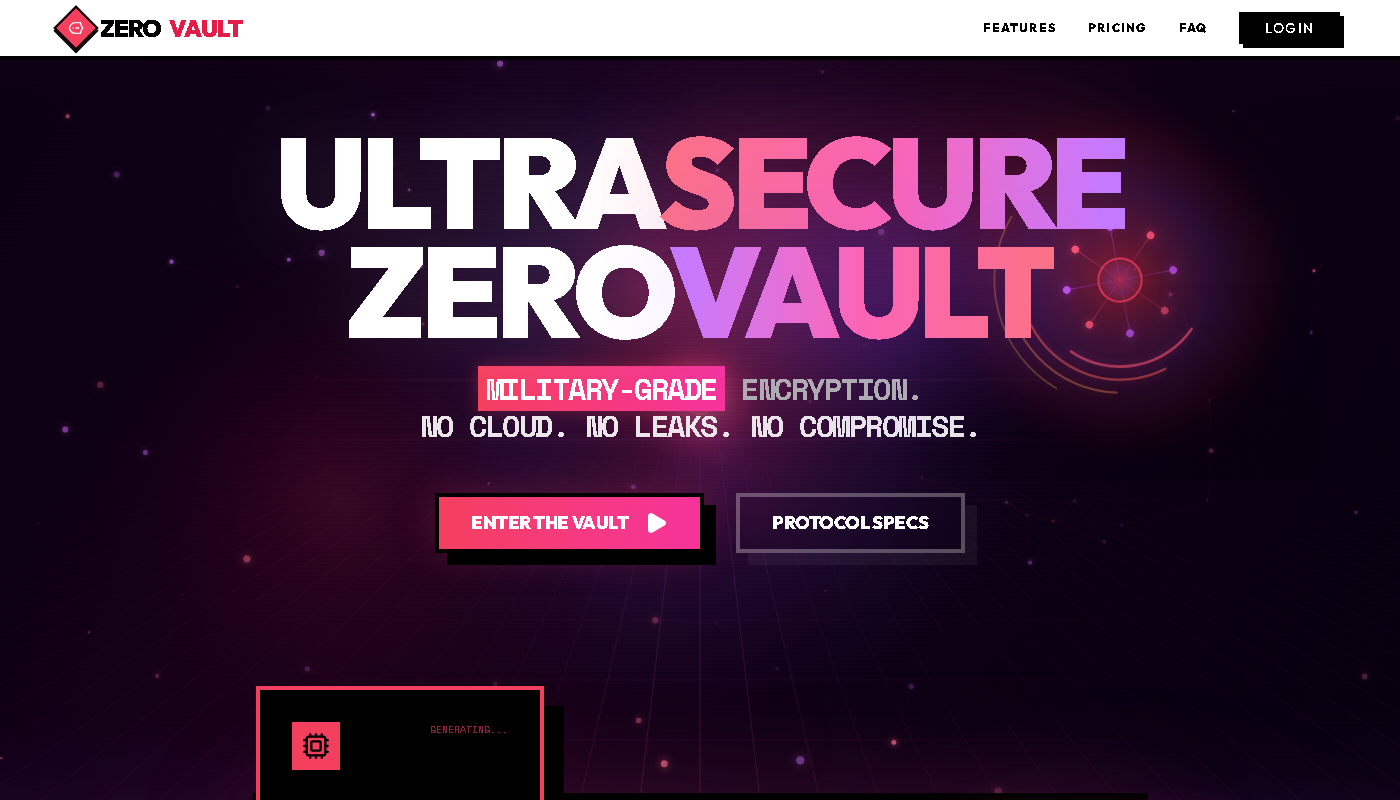
- Web Dashboard (Next.js 15, React 19): Built with a custom retro brutalist component system, allowing users to initialize vaults, import/export passwords, and run local security audits.
- Browser Extension (Manifest V3): Integrates seamlessly into Chromium browsers, detecting credential inputs and bridging to the local vault to perform autofill safely.
- Local Sync Server (SQLite & Node.js): A lightweight, offline-first server that coordinates synchronization across your local browsers via a secure loopback connection.
Cryptographic Architecture
ZeroVault follows a strict Zero-Knowledge model. Your master password is never stored anywhere, nor is it transmitted over any network.
- Key Derivation: We use PBKDF2 (Password-Based Key Derivation Function 2) with SHA-256 and a cryptographically secure random salt to derive a 256-bit encryption key from your master password.
- Symmetric Encryption: All passwords and notes are encrypted within the browser using AES-256-GCM (Advanced Encryption Standard in Galois/Counter Mode), ensuring both confidentiality and data integrity.
- Local Storage: Encrypted payloads are saved in the browser's IndexedDB using secure local wrappers, meaning the decrypted data only exists in active memory during your session.
Key Features
- Retro Brutalist Component Library: A unique, high-contrast user interface that relies on vintage gaming design system primitives.
- Autofill Bridge: Manifest V3 background scripts communicate with local tab runtimes, matching domain names to vault records for instant credential insertion.
- Built-in Security Auditor: Scans passwords locally to flag weak entropy, duplicates, and stale credentials without exposing the vault.
- Encrypted Backups: Allows users to import and export entire vaults as encrypted JSON blobs or password-protected ZIP archives.
Local Development Setup
To run ZeroVault locally on your machine, follow these instructions:
1. Web Dashboard & Server Setup
Clone the repository, install the dependencies, and start the local sync server along with the Next.js frontend:
git clone https://github.com/OneforAll-Deku/Zero-Vault.git
cd Zero-Vault
npm install
npm run dev
The Next.js dashboard will run on http://localhost:3000 and the local sync bridge will establish itself on http://localhost:8080.
2. Install Browser Extension
- Open Google Chrome or any Chromium-based browser.
- Navigate to
chrome://extensions/. - Toggle the Developer mode switch in the upper-right corner.
- Click Load unpacked in the top-left corner.
- Select the
extensionsubdirectory in the clonedZero-Vaultrepository.
Troubleshooting Guide
- Autofill Not Loading: Ensure the extension has permission to access the active tab. Open the extension popup, unlock your vault, and refresh the target website.
- Sync Failure: Verify that the local synchronization bridge is active on port 8080. If another process is using port 8080, configure a custom port inside the settings panel.